Export & Sharing Data
Holistics offers multiple ways to export and share dashboard data to both internal and external users.
Export Data
Export to a Local File
You can save your dashboard as a PDF, PNG, or Excel file for offline use or sharing.
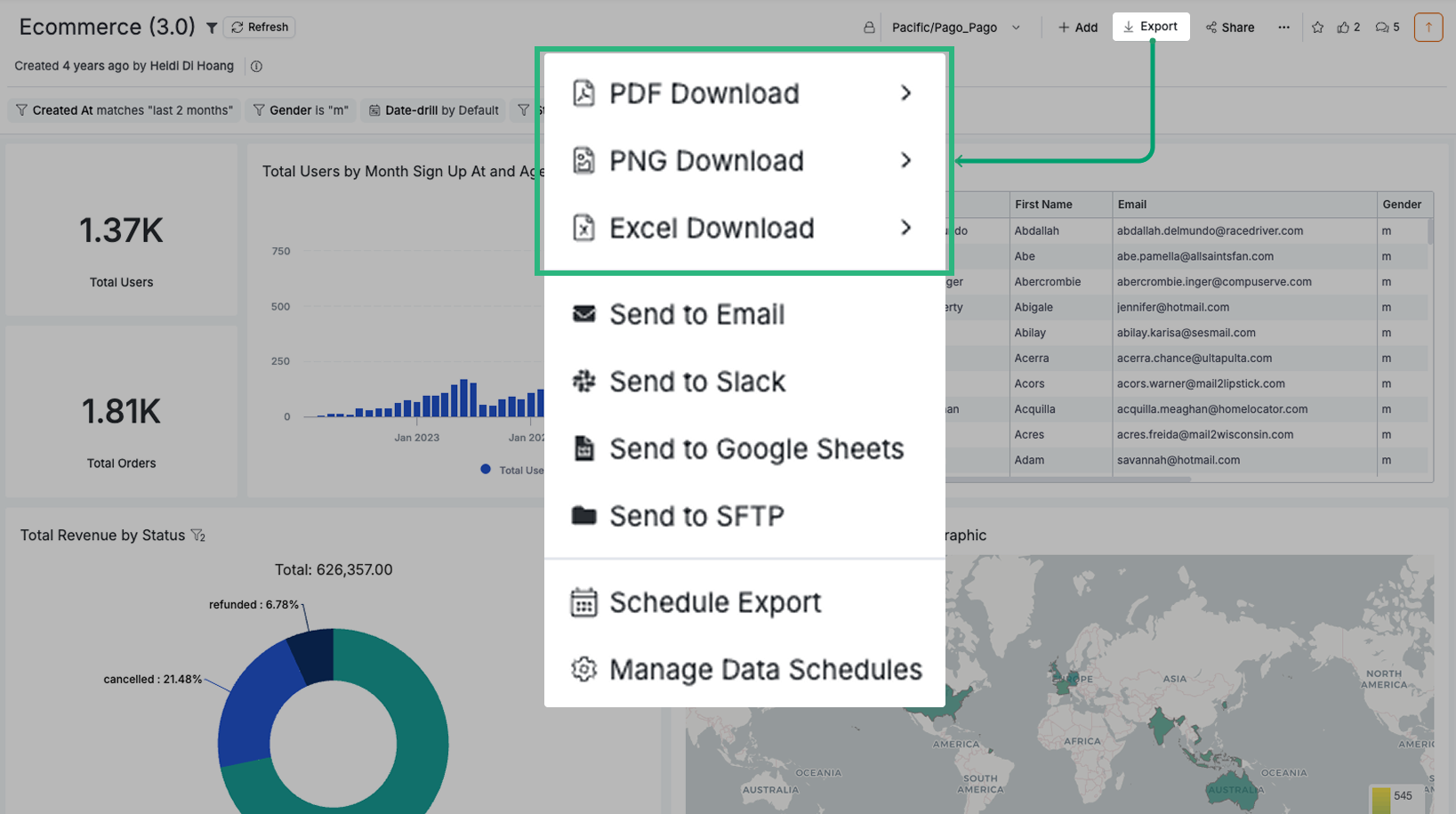
Export to Email / Slack / Google Sheets / SFTP
Deliver dashboards to colleagues or clients through various channels, either on-demand or on a recurring schedule:
You can schedule an export only if you have a default role of Admin or Analyst. For more information about default roles, see Permission System.
Data Freshness
- On-demand exports: Use cached dashboard data when available for faster performance.
- Scheduled deliveries: Use fresh data from your database, bypassing cache to ensure the most up-to-date information.
Disable Data Download
For enhanced data security, you can restrict users from downloading data. This feature is available in our Security Compliance Suite (SCS) and Enterprise plans.
Contact us at [email protected] to learn more.
Row Limits on Export Operations
Check out Row Limits to know the maximum number of rows you can export.
Share Dashboard Access
Beyond exporting data, you can share dashboards directly with users via:
User Access
Grant specific users or groups access to view or edit dashboards within Holistics. This allows them to directly interact with live data without the need to export.
Learn more: Dashboard-level Permissions
Shareable Links
Generate links that allow recipients to view dashboards without logging into Holistics.
Learn more: Shareable Links
Embedded Analytics
Integrate Holistics dashboards seamlessly into your own applications for a white-labeled experience.
Learn more: Embedded Analytics